Free Planner Guide

Plan with purpose, sparkle on purpose.

Grab the free Sparkle with Plans guide and learn exactly how to use your planner — horizontal, vertical, or dashboard — and what every box is for. No more blank pages staring back at you.

3 planner views Box-by-box breakdown 100% free
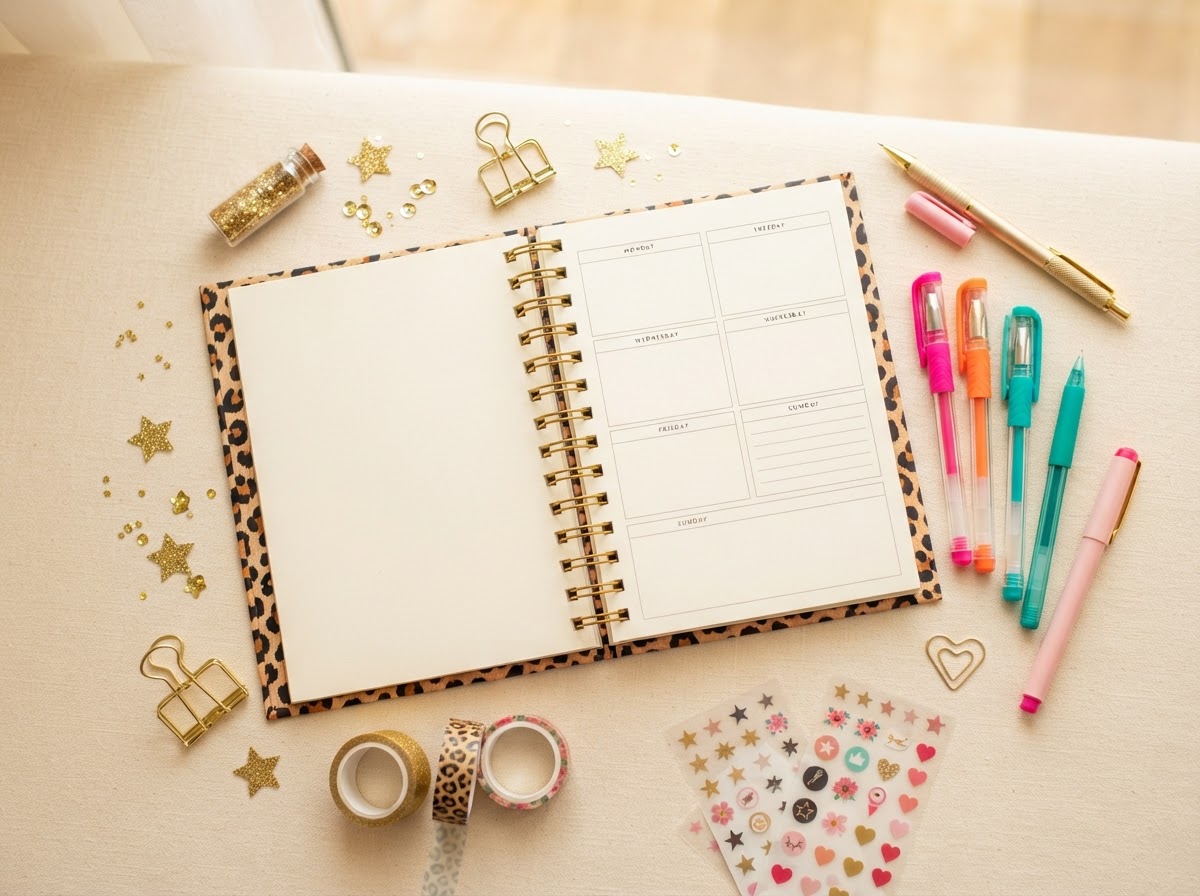
Open weekly planner with a leopard print cover surrounded by colorful pens and sparkle
Pick your view

Three ways to see your week

There's no one 'right' planner layout — there's the one that fits how your brain works. Here's how to tell which is yours.

Spread it out

Horizontal View

The horizontal layout lays your week across two facing pages — wide rows for each day. It's the classic 'see your whole week at a glance' view.

Best for

  • Visual thinkers who like the whole week visible
  • Lots of writing room per day
  • Planning around the weekend on the right page
Top to bottom

Vertical View

The vertical layout stacks each day as a column running down the page. Time flows top-to-bottom, so it reads like your day actually unfolds.

Best for

  • Time-blocking hour by hour
  • People who think in timelines
  • Tight, focused daily lists
Everything in one place

Dashboard View

The dashboard combines your calendar, to-dos, goals, and notes into one overview page. It's your command center for the week or month.

Best for

  • Tracking goals alongside tasks
  • Seeing projects, habits, and calendar together
  • Big-picture planners who want it all visible
What the boxes are for

Every box has a job

The free guide walks you through each section. Here's the quick version so you know what you're getting.

Top priorities

The 1–3 things that, if done, make the day a win.

How to use it · Write them first, before anything else. If you only finish these, the day still counts.

Schedule / time blocks

Where your hours actually go — appointments, deep work, life.

How to use it · Block time top-to-bottom. Treat a block like a meeting with yourself.

To-do list

The smaller tasks that support your priorities.

How to use it · Keep it short. If it has more than ~7 items, move the rest to a 'later' box.

Notes & ideas

The parking lot for thoughts that aren't tasks yet.

How to use it · Capture freely — a book idea, a reminder, a name. Sort it later.

Goals / monthly focus

The bigger thing you're working toward this week or month.

How to use it · Keep it visible on the dashboard view so daily tasks stay pointed at it.

Reflection

A line to look back — what worked, what to change.

How to use it · End the week with one sentence. Patterns show up fast when you write them down.

Free download

Get the free planner guide

Drop your details and I'll send the guide straight to your inbox. Let's make planning your favorite part of the week.

By submitting, you agree to receive the free planner guide and related messages. Unsubscribe anytime.